
Travel Technology
AI Agent Assistant eVisa and ETA Applications: A Practical MCP Tools Overview
An agent needs about six MCP tools for travel authorization to go end-to-end with an eVisa or ETA application: the requirements, the documents, the fees, the processing time, the application, and the status.
These tools let AI agents run MCP workflows that guide the traveler through the process, from eligibility checks to the final decision.
Each one maps to a tool on YourVisa's MCP server for travel visas, so you get consistency and compliance without bespoke integrations.
By exposing these functions through MCP, the assistant can answer “Do I need an ETA or eVisa?”, show required documents and fees, set expectations around processing times, open the application form and report the status once it is submitted.
This modular approach keeps the system agent-ready for travel authorization, with rules that stay configurable and aligned with official systems.
- Requirements — Read-Only; confirmed by destination government.
- Documents — Read-Only; confirmed by official visa authority.
- Fees — Read-Only; confirmed by official visa authority.
- Processing Time — Read-Only; based on government estimates.
- Application — API, not MCP; confirmed by traveler via provider.
- Status — API, not MCP; provided by provider's API.

Why Does a General Travel Agent Need Visa-Specific Tools?
Generalist travel sites handle flights, hotels and itineraries well. Authorization rules are a different problem. Visa and entry requirements are not like a seat map or a room rate. They depend on nationality, destination, and purpose of travel.
A citizen of one country may need an eVisa to enter, while a citizen of another country may enter visa-free. Processing times, required documentation and fees vary by country and change regularly.
Without dedicated tools, a general-purpose agent cannot give complete or accurate answers. That is why LLM travel agent visa tools matter.
They let AI-powered assistants query structured visa requirements, find the right documents, calculate fees, and walk the traveler through the application and status checks. That keeps the booking compliant and reduces friction at checkout.
For the traveler, the benefit is clarity: they know at the outset whether they need authorization, what it will cost, and how long it will take.

For agents, the benefit is resilience: they can bring visa logic in alongside flights and hotels without hard-coding rules that go out of date within weeks.
In short, visa-specific tools turn a generic booking engine into a travel assistant of real value, covering the whole journey rather than only the logistical part of it.
The MCP Tools for Travel Authorization, One by One
When building with MCP tools for travel authorization, break each function down into its purpose, inputs, outputs, and usage. Together, these six tools cover the full journey of an eVisa or ETA application.
The MCP specification supports tools that perform actions as well as tools that only read. YourVisa.ai's MCP server is deliberately read-only, so submission and status run through its API rather than through MCP actions.
- Requirements
Purpose: Check if a traveler needs authorization.
Inputs: Passport nationality + destination.
Outputs: Yes/No requirement flag.
Example prompt: “Do I need an ETA for France?”
Read-only: Yes. - Documents
Purpose: List required documents.
Inputs: Passport nationality + destination.
Outputs: Document checklist.
Example prompt: “What papers do I need for Canada eTA?”
Read-only: Yes. - Fees
Purpose: Show applicable fees.
Inputs: Passport nationality + destination.
Outputs: Fee amount (e.g., €20).
Example prompt: “How much does ETIAS cost?”
Read-only: Yes. - Processing Time
Purpose: Provide estimated duration.
Inputs: Destination + application type.
Outputs: Time range (e.g., 24–72 hours).
Example prompt: “How long does a UK ETA take?”
Read-only: Yes. - Application
Purpose: Link to provider's application form.
Inputs: Passport nationality + destination.
Outputs: URL to application portal.
Example prompt: “Start my India eVisa application”.
Read-only: API only. - Status
Purpose: Report application progress.
Inputs: Application ID.
Outputs: Submitted / approved / refused.
Example prompt: “Check my ETA status”.
Read-only: API only.

How Does It Work in Practice?
An agent workflow usually starts with the requirements. Does the traveler need authorization? If so, the documents and fees tools come next.
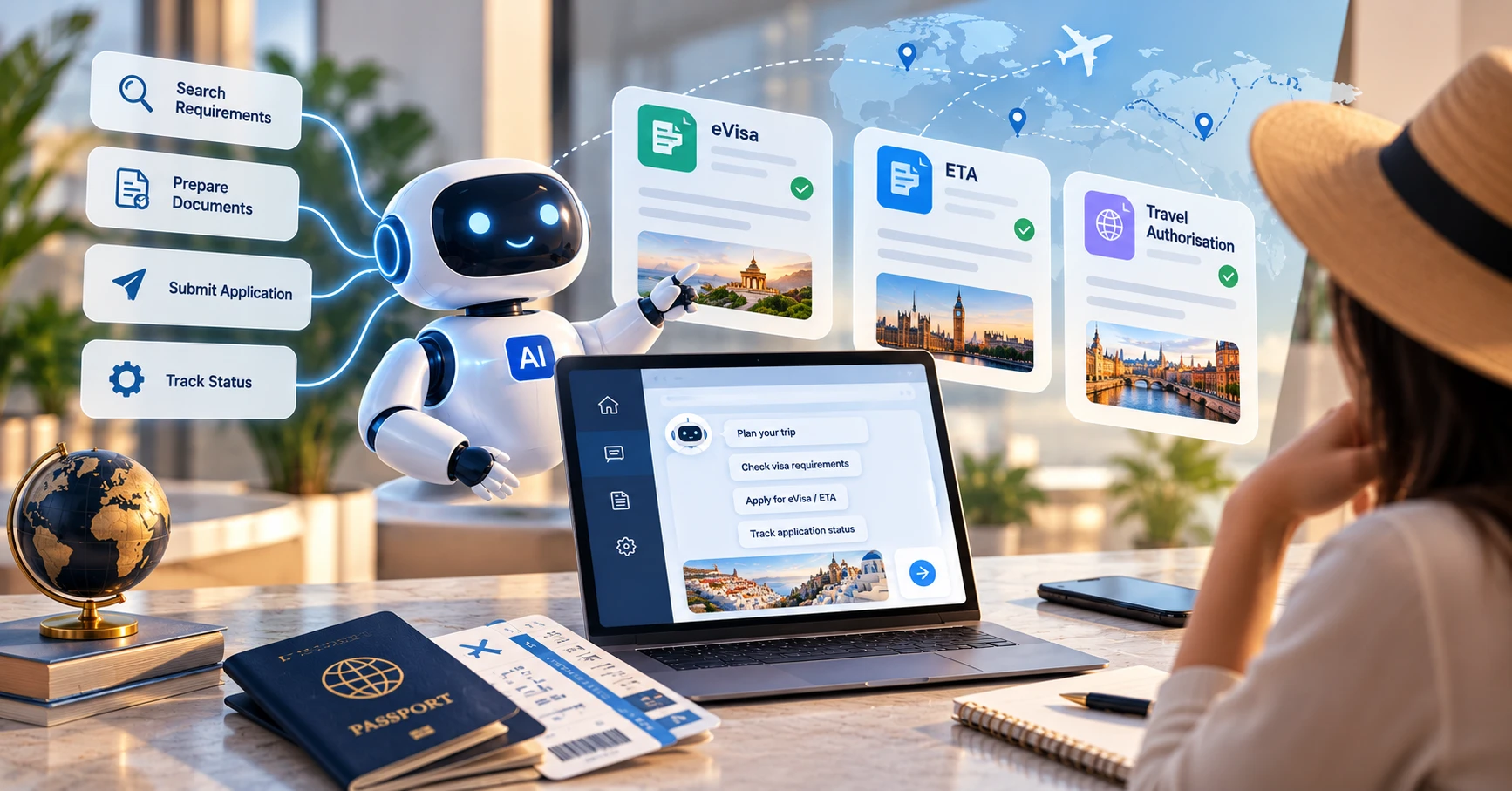
Processing times set expectations before checkout. The application and status functions then run through the provider's API rather than through MCP.
This modular approach means the assistant can walk a traveler through the entire journey without hard-coding any rules.
Each tool is discoverable, callable and standardized, so MCP becomes a universal adapter for travel authorization logic.
An eVisa and an ETA Application, Step by Step
Here is how an agent would handle two different authorizations for the same traveler, a Vietnam eVisa and a UK ETA, using the MCP tools and API calls.
It shows how an AI agent's MCP workflow for an ETA application plays out across different jurisdictions.
Vietnam eVisa (for US travelers)
- Requirements Tool
Input – “US national, Vietnam destination”
Output – “eVisa required” - Documents Tool
Input – “Passport + trip details”
Output – “Valid passport, photo and travel dates” - Fees Tool
Output – “$25 application fee (single entry)” - Processing Time Tool
Output – “3 working days” - Application (API)
Trigger – “Start Vietnam eVisa application”
Redirect to provider form. - Status (API)
Input – Application ID
Output – “Approved”
UK ETA (same traveler)
Grounded in the UK government's ETA page, the flow is similar but tailored to ETA rules:
- Requirements Tool
Input – US nationality + UK destination
Output – “ETA required” - Documents Tool
Output – “Valid passport, email and payment method” - Fees Tool
Output – “£20 fee” - Processing Time Tool
Output – “Usually a decision within a day, up to 3 working days” - Application (API)
Trigger – “Start UK ETA application”
Redirect to UK provider form. - Status (API)
Input – Application ID
Output – “Approved”
Why Does This Matter?
By sequencing the MCP tools consistently, the agent can handle different authorizations without rewriting the logic. Requirements, documents, fees and processing time are all MCP calls.
The application and status run through the provider's API. It is a modular approach that keeps the flow compliant and the traveler informed across every destination.
For setup and authentication, the walkthrough on building an AI travel assistant covers the configuration. The same scaffolding applies here: one integration layer, multiple destinations, consistent traveler messaging.
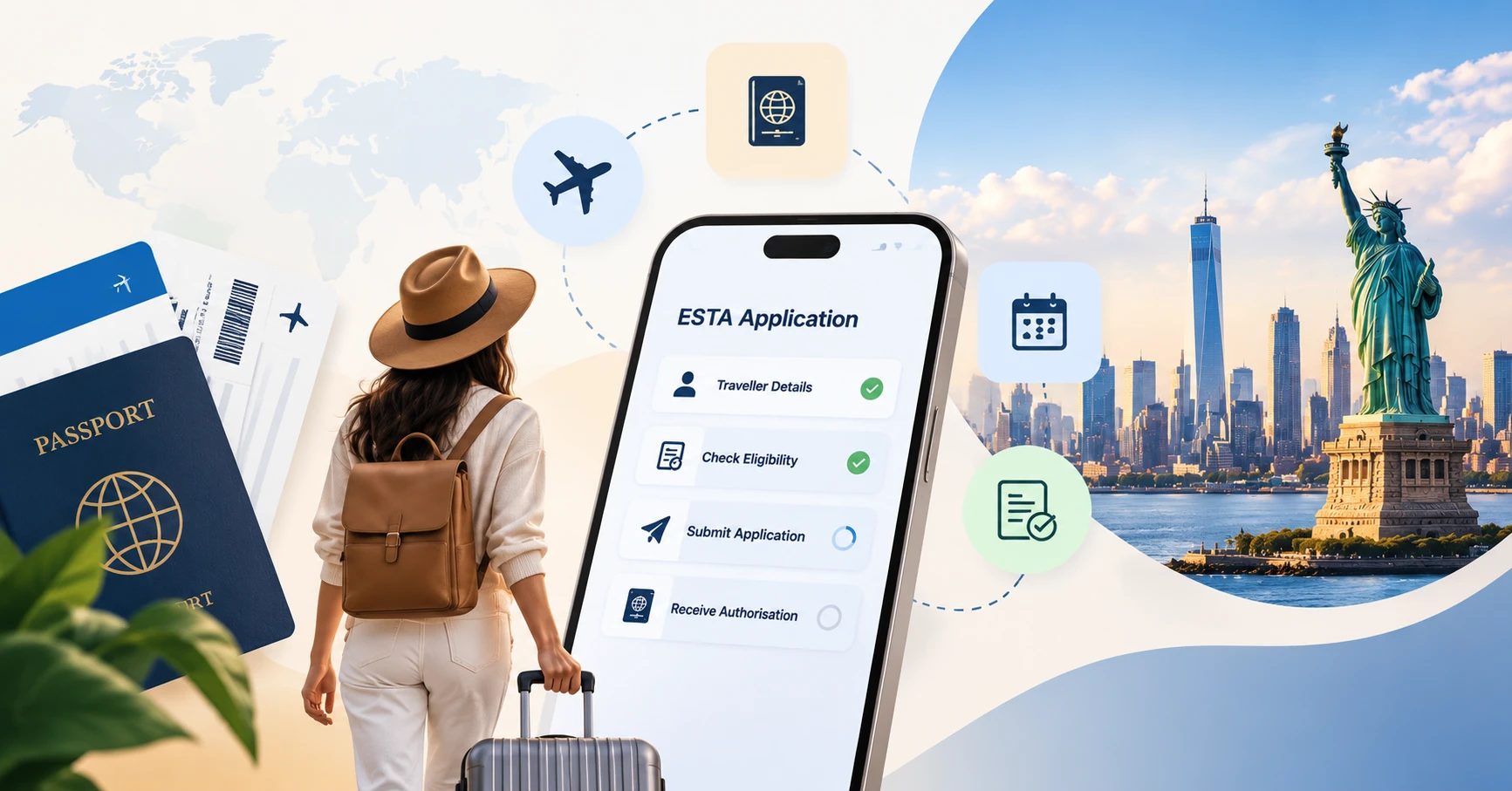
That single approach reduces engineering overhead and means your assistant can handle Vietnam eVisas, UK ETAs and future ETIAS rules through the same workflow.
MCP or REST: Which Should a Travel Assistant Use?
For an AI travel assistant, the choice between MCP and REST depends on the use case. MCP is the right fit for tool discovery.
It is the standard way for an assistant to discover and call tools such as requirements, documents, fees and processing times. It is the universal adapter for read-only checks.
REST together with webhooks is the better fit for submission and status. Once the traveler has applied, the assistant needs an API call to submit the data and a webhook contract to receive status updates.
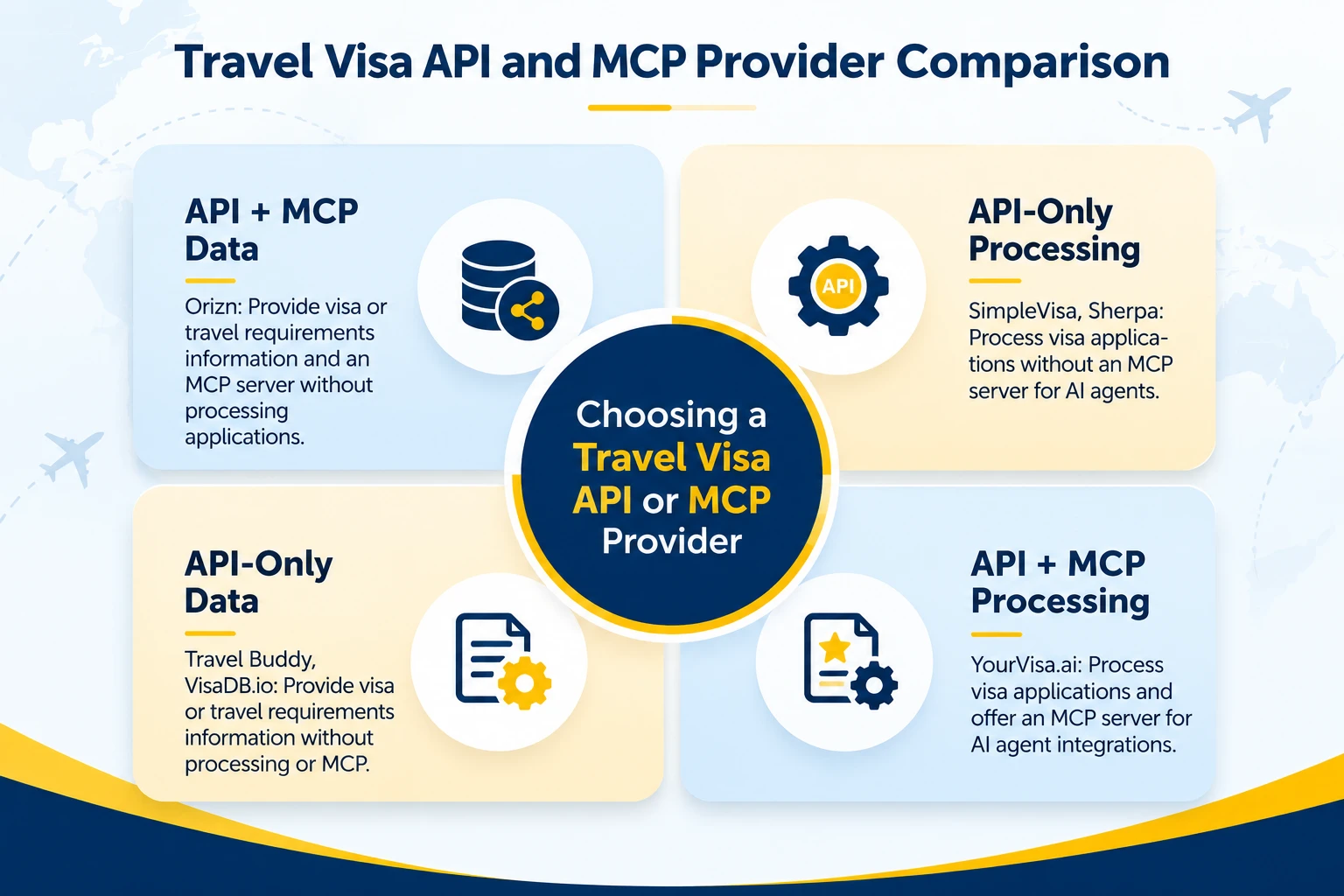
That is where a visa services API for travel assistants comes in: it handles the live application flow, while MCP handles eligibility and messaging.
In practice the two work in tandem. MCP gives you discoverability and modularity; REST gives you transactional reliability. That combination lets the platform prepare the traveler before launch, switch submission on at enforcement, and keep status reporting accurate without polling.

The matching REST calls are set out with the endpoints in the API documentation, which covers how MCP tools map to REST endpoints, how webhooks replace polling, and how assistants combine eligibility checks with the submission flow.
By combining MCP discovery with REST execution, you get a resilient assistant that can handle ETAs, eVisas and ETIAS without reinventing the wheel.
Guardrails
When you build travel authorization flows, guardrails are what keep both the agents and the travelers safe.
Always require confirmation before any action is taken, so no application is submitted without explicit consent. Use scoped keys so each API call is restricted to its specific purpose, with no room for overreach.
Log every request and every response so issues can be traced and audited later. And provide a fallback to the official site whenever there is uncertainty: if a rule changes or a system is down, redirect to the government's own site.
These guardrails balance automation and accountability. They are what make an assistant trustworthy and compliant.

FAQs
Which MCP tools does an AI agent need for visa applications?
An agent generally uses six MCP tools for travel authorization: requirements, documents, fees, processing time, application, and status. Together they cover the journey from eligibility through to reporting the outcome.
Can an MCP tool submit an eVisa?
Not on YourVisa.ai's MCP server, which is read-only by design. Submission and status updates go through the provider's API rather than through MCP actions. MCP handles discovery and guidance; the API handles the transactions.
Are MCP tools for travel authorization safe with regard to passport data?
MCP calls are scoped and built with compliance in mind. They use secure authentication, log the calls, and can be configured so that sensitive data is not stored locally. Passport details are processed only as part of the approved flows.
Give Your Agent the Full Toolset
Connect to mcp.yourvisa.ai and see every tool your assistant can call. With the complete MCP suite, your agent can check requirements, list documents, calculate fees, show processing times, and link to application and status flows, all through one standardized interface.